


Playtime App vs Mobile Website: Differences in Access, Features and Security

Summary
An app and a mobile website can provide different routes to the same operator, but they have different installation, update, storage, and permission considerations. Compare the current supported experience on your own device rather than assuming either route is automatically safer or more complete. This guide separates practical access questions from promotional claims about performance.
Overview
The right comparison starts with verified destinations. For an app, inspect distribution and publisher information; for a browser, inspect the exact domain and current permissions. Features, payment options, and account processes may change and should be checked in the live operator information. This article does not present invented speed benchmarks or claim that both routes have identical functionality.
PT Gaming developer and live iOS listing · Google Play Protect guidance
Key Takeaways
- Verify the app source and website domain independently.
- Compare actual device support, storage, updates, and permissions.
- Neither access route guarantees financial results or bypasses eligibility rules.
Access and installation differ
A native app requires a supported installation route and consumes local storage for its files and data. A website opens through a compatible browser, although browsers also keep cache and site data. A shortcut saved to a home screen should not be assumed to be a native app. Check what was actually installed or saved before following instructions intended for a different access type.
Updates follow different paths
An app release is updated through its verified distribution channel, while website changes are generally delivered by the site and browser updates are managed separately. Neither arrangement eliminates maintenance. An outdated browser can cause compatibility problems, while an app from an unverified source raises provenance questions even if it opens correctly. Keep track of the update path you actually use.
Permissions and privacy need attention in both
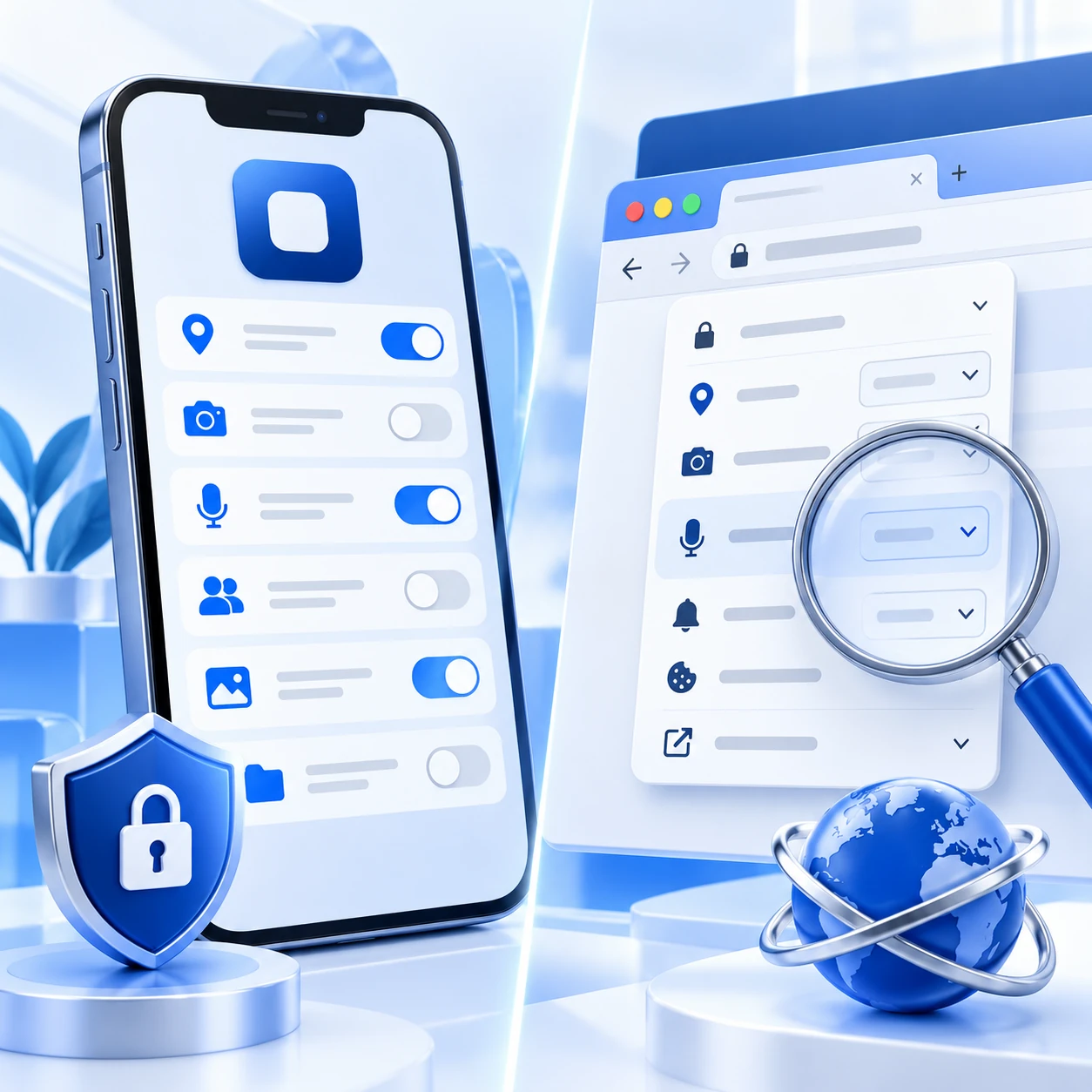
Apps request device permissions and websites can request browser permissions such as location, camera, or notifications. Review the purpose and controls rather than assuming a browser cannot access sensitive functions. On shared devices, consider saved logins, downloads, notifications, and local site data. Keep account credentials private and use the operator's current security and recovery instructions.
Compare features without invented promises
Check whether the specific game, account function, or payment feature is supported in the route you are evaluating. Network quality, device capability, and release changes can affect behavior, so an unsupported claim that one route is always faster is not useful evidence. If installation is unclear, a verified mobile site may be worth investigating, but it still requires the same eligibility and operator-rule checks.
Keep a useful verification record
Write down the exact destination URL, the date checked, the platform, and the displayed release information. A record is most useful when another person can repeat the check without needing access to your account. Keep promotional claims separate from technical evidence: a bonus amount does not identify a publisher, and a registered domain does not establish the integrity of a file hosted elsewhere. When asking for help, describe the step that failed and provide only non-sensitive details. Do not post passwords, login codes, identification images, account balances, or payment references in public comments.
What this guide verifies and what it leaves open
The evidence linked here includes the Philippine App Store developer record, Google's Android security and permission guidance, Apple's update instructions, and the PAGCOR domain register. These sources answer different questions and should not be treated as interchangeable certificates. No Android package was downloaded, reverse-engineered, or installed for this article, and no account, payment, withdrawal, or performance test was conducted. The square illustrations are editorial artwork with generic interfaces, not screenshots of an authenticated app. Recheck live sources because distribution, compatibility, and operator terms can change after the review date.
Separate technical access from participation
These guides are intended for eligible adults aged 21 and above. A download button, store content rating, successful installation, or accessible website does not replace identity verification or the operator's restrictions. Read current rules before using an account and do not assume that any promotion guarantees a return. Gambling can cause financial losses and addiction. If participation is becoming difficult to control, stop and consult the responsible-gaming resources linked below. Referral buttons are promotional access links, not software-authenticity certificates.
Make a decision from current evidence
Before acting, compare the source, device context, and explanation together. A missing detail is a reason to ask a precise question, not to fill the gap with a guessed requirement. Save the answer through the verified support channel so the next check has a clear starting point.
Frequently Asked Questions
1. Is the app always safer than the website?
No. Source, device security, permissions, and account practices all matter.
2. Is the website always safer than an app?
No. A wrong domain or unsafe account practice can still create risk.
3. Do websites use storage?
Browsers can retain cache and site data.
4. Is a home-screen shortcut a native app?
Not necessarily. Check what was actually saved or installed.
5. How does an app update?
Through the verified distribution route for that app.
6. Does a browser need updates?
Yes. Keep it supported and current through its normal update channel.
7. Can a website request camera access?
A browser may present site permission requests; review their purpose.
8. Are all features identical?
Do not assume so. Check the current supported functions.
9. Which route is faster?
This guide provides no benchmark; performance depends on the device, network, and implementation.
10. Do both routes require eligibility?
Yes. Technical access does not override operator rules.
11. Can a browser avoid app-installation issues?
It may offer a different route, but verify support and the exact domain.
12. What matters on a shared phone?
Saved logins, notifications, downloads, and local data need attention.
13. Do either routes guarantee winnings?
No. There is no guaranteed gaming or financial return.
14. Should I compare payment support live?
Yes. Read current operator information instead of assuming parity.
15. Where can I investigate downloads further?
Use the linked PT Gaming app-download pillar and Android or iOS guides.
Sources and verification
- PT Gaming developer and live iOS listing
- Google Play Protect guidance
- Android app permissions
- Apple app update instructions
- Android alternative distribution documentation
- PAGCOR registered brands and domains — October 8, 2026
- PAGCOR responsible-gaming resources
Editorial guide for eligible adults aged 21+. Promotional images and CTA buttons use a referral link.